
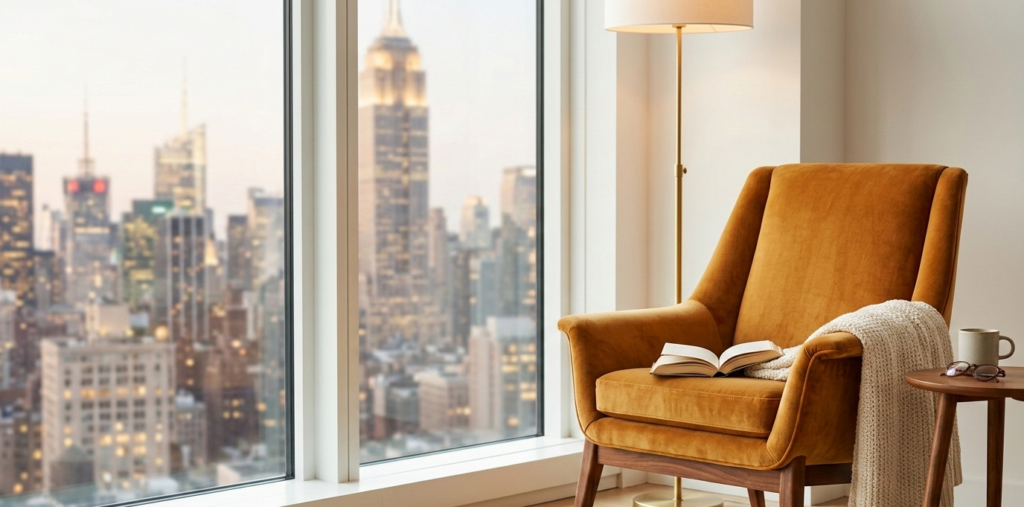
In the vertical canyons of Manhattan and the brownstones of Brooklyn, the «home office» is rarely a dedicated room. More often, it is a 48-inch slice of a living room or a repurposed corner of a bedroom. For the high-performance professional in the Northeast Corridor, this spatial constraint is not just an interior design challenge—it is a physiological crisis.
The «Northeast Corridor» Workspace Crisis
The «Always-On» culture of New York City, DC, and Boston demands a level of cognitive endurance that the average «kitchen table office» simply cannot support. In a city where square footage is the ultimate luxury, many professionals sacrifice their spinal health for floor space. However, treating your workstation as an afterthought is a long-term health liability.
The physical toll of urban apartment living is compounding. When you work from a dining chair or a sofa, you are engaging in a slow-motion collision with your own anatomy. The lack of a Dedicated Ergonomic Zone leads to a collapse in posture that mirrors the grey slush of a February morning in Philly—heavy, persistent, and draining. To maintain the pace required by the Acela-corridor industries, your furniture must be as efficient and high-yield as your output.
Anatomical & Physiological Analysis
To understand the necessity of ergonomics, one must understand the mechanics of Musculoskeletal Disorders (MSDs).
The Science of «Tech Neck» and Neural Compression
When your monitor is poorly positioned, your head—averaging 10 to 12 lbs—shifts forward. For every inch of forward lean, the relative weight on your cervical spine increases by 10 lbs. This leads to «Tech Neck,» a strain on the levator scapulae and trapezius muscles.
Lumbar Lordosis and Blood Flow
A standard chair often fails to support Lumbar Lordosis, the natural inward curve of the lower spine. Without a dedicated lumbar mechanism, the spine flattens, increasing intradiscal pressure and risking herniation. Furthermore, improper seat depth leads to «perching,» which compresses the popliteal fossa (the area behind the knee), restricting venous return and causing lower limb edema.
Neutral Posture
The goal of any urban setup is Neutral Posture:
- Joints: Aligned at 90-degree angles.
- Wrists: Straight, avoiding the median nerve compression known as Carpal Tunnel Syndrome.
- Eyes: Level with the top third of the screen to prevent «C-spine» rounding.
The Tiered Product Comparison
Tier 1: $20 – $100 (Essential Optimization)
For the professional in a transitional space, these tools offer the highest ROI per square inch.
- Lamicall Laptop Stand: Elevates your screen to eye level, instantly mitigating cervical strain.
- Logitech Lift Vertical Mouse: Puts the hand in a «natural handshake» position, reducing forearm pronation.
- Everlasting Comfort Lumbar Pillow: A high-density memory foam solution for chairs lacking built-in support.
Tier 2: $100 – $200 (The Productivity Upgrade)
Entry-level ergonomic chairs and hardware that provide foundational support.
- Sihoo M56C Ergonomic Chair:
- Pros: Adaptive lumbar support; breathable mesh; compact footprint.
- Cons: Limited armrest adjustability.
- HUANUO Dual Monitor Arm: Clears desk real estate while allowing precise 3D positioning of screens.
- Logitech ERGO K860 Keyboard: A split, curved keyframe that reduces muscle activity in the upper back.
Tier 3: $200 – $300 (The Professional Investment)
High-quality task chairs designed for 8+ hours of daily use without dominating a small room.
- Branch Ergonomic Chair: * Pros: 8 points of adjustment; sleek aesthetic; firm lumbar support.
- Cons: Firm seat cushion may not suit everyone.
- FelixKing Ergonomic Desk Chair:
- Pros: Foldable armrests (crucial for tucking under small desks); high-density sponge seat.
- Cons: Mesh can feel stiff initially.
- Vari Task Chair: A robust, minimalist option with a pivoting backrest that follows your movements.
Pro «Workspace-Hacks»
If you aren’t ready to invest in hardware, use physics to your advantage:
- The Library Riser: Stack hardback books (think The Power Broker) under your monitor. This raises the Eye-Level Horizon, preventing the head-forward tilt that causes muscular fatigue.
- The Gym Towel Lumbar: Roll a firm gym towel to a 4-inch diameter and place it at the base of your spine. This maintains the Lordotic Curve by providing a physical stop for the pelvis.
- The Shoebox Footrest: If your feet don’t sit flat on the floor, your thighs take the weight. Use a sturdy shoebox to ensure your knees are at a 90-degree angle, facilitating lower-body circulation.
Environmental Synergy: The Hidden Ergonomics
In the Northeast, lighting is as much an ergonomic factor as seating. During the early winter sunsets of December, the contrast between a bright screen and a dark room causes Digital Eye Strain.
- The 20-20-20 Rule: Every 20 minutes, look at something 20 feet away for 20 seconds. This relaxes the ciliary muscles in the eye.
- Lighting: Position your desk perpendicular to windows to avoid glare from high-rise reflections. Use a desk lamp with a 4000K–5000K color temperature to mimic daylight and maintain circadian rhythm during «Grey Season.»
The 30-Second «East Coast» Desk Audit
Busy professionals don’t have time for a full consultation. Run this checklist now:
- [ ] Eye Level: Is the top of your screen at or slightly below eye level?
- [ ] Arm Angle: Are your elbows at 90° with wrists floating, not resting on hard edges?
- [ ] Feet: Are both feet flat on the floor? (No crossing legs!)
- [ ] Lumbar: Is there a physical support filling the gap in your lower back?
- [ ] Clearance: Can you tuck your chair fully under the desk when done?