
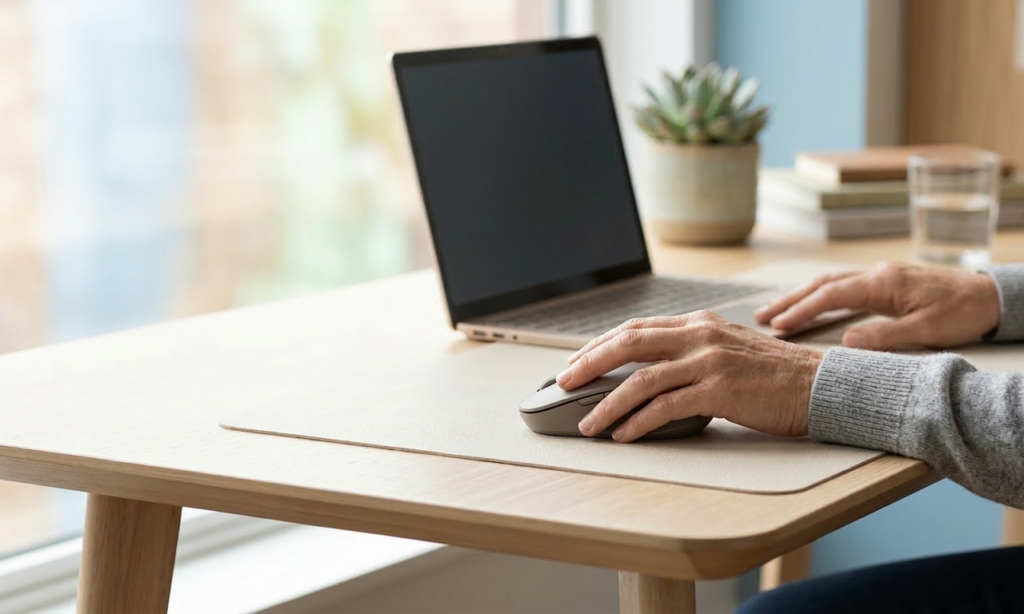
If a standard mouse feels oversized, awkward, or tiring after a few hours, switching to a smaller model can make a real difference. For people with smaller hands, narrow desks, or a compact home office setup, the best small computer mice can feel easier to control and less fatiguing over the course of a workday.
The catch is that “small” does not automatically mean “comfortable.” Some compact mice are genuinely useful for all-day work, while others are really just travel accessories that can leave your hand pinched and tense. The best option is usually a mouse that fits your hand size, supports your grip style, and works with the way you actually use your desk.
Why a small mouse can be more comfortable
A mouse that is too large often forces your hand to stretch wider than it wants to. That can show up as finger tension, wrist stiffness, or a subtle feeling that you are always reaching and gripping rather than moving naturally.
A smaller mouse can help in a few common home office situations:
- you have smaller hands and full-size mice feel bulky
- your desk is narrow, shallow, or set up in a bedroom corner
- you switch between laptop work and external peripherals
- you want a mouse that is easy to move, store, or take between rooms
That said, there is a line between compact and too compact. If the mouse is so small that you have to pinch it tightly or hold your hand in midair, comfort can get worse instead of better.
What to look for in a small mouse
Before you pick a model, it helps to know what actually affects comfort day to day.
Hand size and grip style matter most
If you use a fingertip grip, you may prefer a lower-profile compact mouse that moves quickly with less hand contact. If you use more of a palm or claw grip, you will usually want a small mouse with enough curve and back support to keep your hand from collapsing inward.
This is why the smallest mouse on the shelf is rarely the best choice. A good small mouse should still give your hand a place to rest.
Shape is more important than extra features
In a home office, shape usually matters more than advanced buttons or premium specs. A clean, well-sized shell that fits your hand comfortably will do more for daily comfort than a long feature list.
Pay attention to:
- whether the sides feel easy to hold without squeezing
- whether the top curve matches your natural hand position
- whether your fingers sit comfortably on the buttons
- whether the mouse encourages a relaxed wrist angle
Weight and glide affect fatigue
A compact mouse should feel easy to move without feeling flimsy. If it drags too much, you may end up using more arm and wrist effort than necessary. If it is overly light and flat, it can feel precise at first but tiring over longer sessions.
A good mouse pad can help here more than people expect. Even a comfortable mouse feels worse on a sticky, rough, or cramped surface.
Think about your desk, not just your hand
A small mouse can be a great fit for a compact workstation, but it still needs enough room to move. If your keyboard, laptop, notepad, and coffee mug are all crowding the same 36-inch desk, even a smaller mouse can feel awkward if it is constantly hitting other items.
Best small computer mice for better comfort
Logitech Pebble Mouse 2 M350s
This is one of the better choices for people who want a clean, compact mouse for a small desk or flexible home office. Its low-profile shape works especially well if you use a laptop setup, move between rooms, or want something that is easy to tuck away when the workday ends.
Why it stands out:
- slim, simple shape for tight workspaces
- easy to carry and easy to store
- a good fit for lighter office work and everyday browsing
Where it falls short:
- the flatter shape may not feel supportive enough for long, heavy use
- not the best option if you want a fuller hand rest
Logitech M325S Wireless Mouse
If you want a more traditional compact mouse, this is a practical middle-ground option. It feels more like a standard office mouse than an ultra-slim travel model, which makes it easier to adapt to for everyday work.
Why it stands out:
- familiar shape that suits general office tasks well
- compact without feeling unusually flat
- easy fit for users who want something simple and reliable
Where it falls short:
- less specialized for ergonomic support
- may feel basic if you want a more sculpted or premium design
Logitech Lift Vertical Ergonomic Mouse
For people with smaller hands who still want a more ergonomic shape, the Lift is one of the most useful options to consider. A vertical mouse changes the wrist angle, which can feel more natural for some users than a standard flat mouse.
Why it stands out:
- better suited to users who want a smaller ergonomic design
- helpful if a regular mouse leaves your wrist feeling twisted or tense
- strong option for desk-based work where comfort matters more than portability
Where it falls short:
- takes time to get used to
- the taller shape is not ideal if you want a very compact, low-visual-clutter setup
Logitech MX Anywhere 3S
This is a good premium pick if you want a compact mouse that still feels substantial. It tends to work well for hybrid workers and anyone who wants a smaller mouse that does not feel flimsy.
Why it stands out:
- compact but more solid and work-focused than many travel mice
- a strong choice for people who move between different work surfaces
- feels more refined than entry-level compact options
Where it falls short:
- may feel better for small-to-medium hands than truly tiny hands
- the price is harder to justify if you only need a simple everyday mouse
Which small mouse is best for your setup?
Best for very small desks
A flatter, lighter mouse like the Logitech Pebble Mouse 2 M350s makes sense when space is tight and visual clutter matters. It is easy to move, easy to store, and does not dominate the desk.
Best for everyday office use
A traditional compact shape like the Logitech M325S is often the easiest all-around choice. It works well for email, spreadsheets, browser-heavy work, and general admin tasks.
Best for wrist comfort
If your issue is less about desk size and more about forearm or wrist tension, a small-to-mid-size vertical option like the Logitech Lift may be a better fit than a standard compact mouse.
Best if you want a premium compact feel
The MX Anywhere 3S is a good choice for users who want a smaller mouse that still feels serious enough for full workdays.
Common mistakes people make when buying a small mouse
One of the biggest mistakes is choosing the tiniest mouse available and assuming smaller always equals better. In practice, an overly small mouse can create a pinch grip that makes your fingers work harder.
Other common mistakes include:
- buying based on looks alone
- ignoring grip style
- using a compact mouse for long workdays without testing support
- placing the mouse too far from the keyboard
- overlooking the mouse pad and surface quality
Comfort comes from the whole setup, not just one device.
How to make a small mouse feel better in daily use
Even the best small computer mouse will feel awkward if the rest of your setup is off. A few adjustments can improve comfort quickly:
- keep the mouse close to the keyboard so your elbow stays near your side
- avoid reaching over a number pad if your desk is narrow
- use keyboard shortcuts to reduce constant mouse movement
- try a larger mouse pad to give your arm smoother movement
- let your forearm move occasionally instead of isolating everything at the wrist
If you work long hours, it is also worth paying attention to when the discomfort starts. If a compact mouse feels fine for two hours but not for six, that may mean you need a more supportive shape rather than a smaller one.
Recommended Products
- Logitech Pebble Mouse 2 M350s — best for small desks, laptop setups, and lighter daily use because it stays compact and easy to live with. Amazon
- Logitech M325S Wireless Mouse — best for people who want a familiar compact shape for everyday home office work without overthinking the setup. Amazon
- Logitech Lift Vertical Ergonomic Mouse — best for smaller-hand users who want a more wrist-friendly angle and are willing to adjust to a vertical design. Amazon
- Logitech MX Anywhere 3S — best for hybrid workers who want a premium compact mouse that feels more substantial than a typical travel model. Amazon
Conclusion
The best small computer mice for better comfort are the ones that fit your hand without forcing you to grip, stretch, or compensate. For some people, that means a simple compact office mouse. For others, it means a smaller vertical model or a premium compact mouse with a bit more support.
If you are shopping for comfort, focus on fit first, not hype. A mouse that works with your hand size, desk space, and work style will do far more for your home office than a longer list of features you will barely use.